How to Add a New Vehicle Model in JusticeONE
Learn the necessary steps to register a new vehicle model within the Justice One administrative portal. This guide simplifies the navigation process to ensure you can efficiently manage your vehicle lookup values.
Portal Access
1. Navigate to https://www.justice-one.us and log in as an administrator
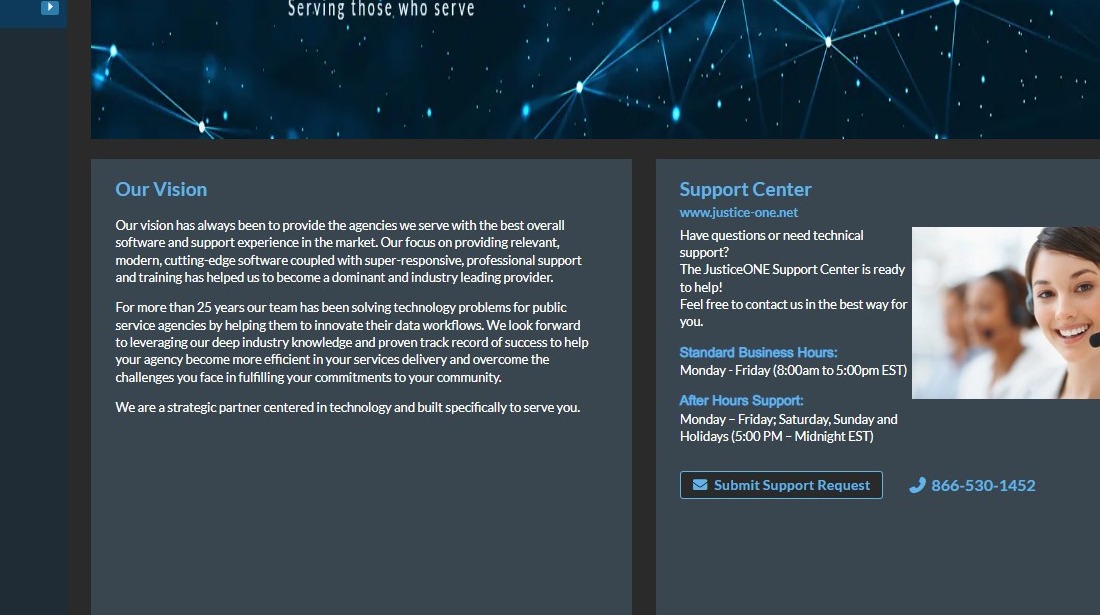
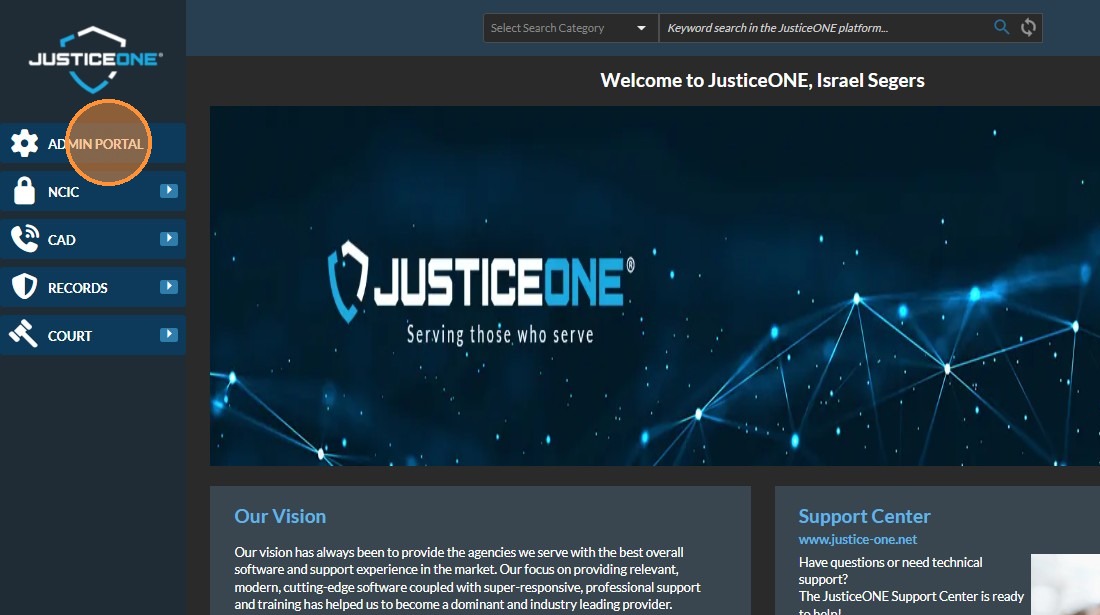
2. Click ADMIN PORTAL
Vehicle Configuration
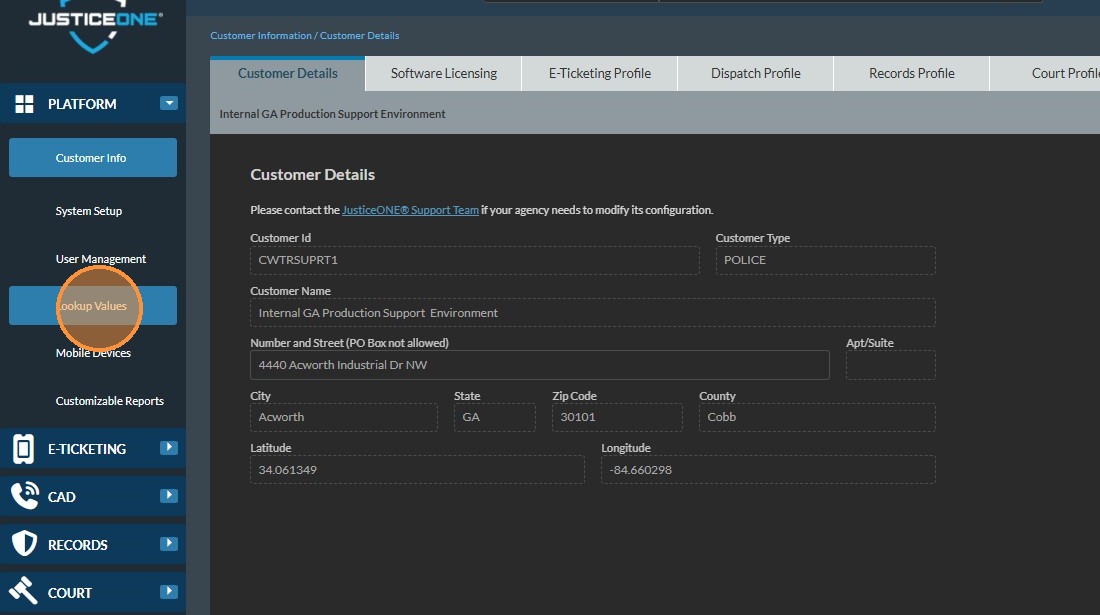
3. Click Lookup Values

4. Select Vehicles from category dropdown
5. Select VEHICLE MAKE / MODEL
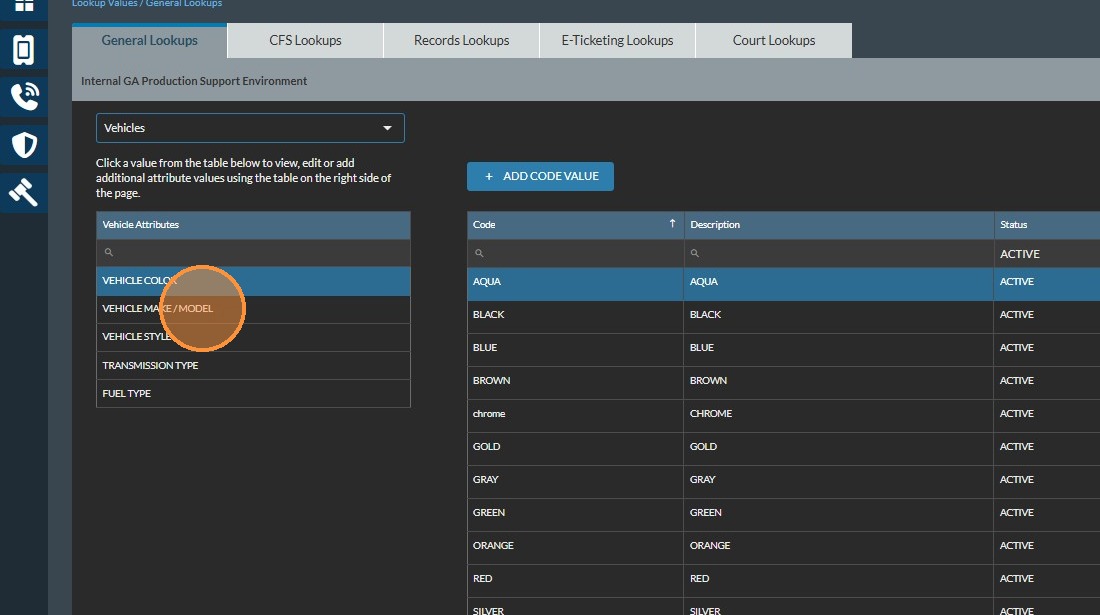
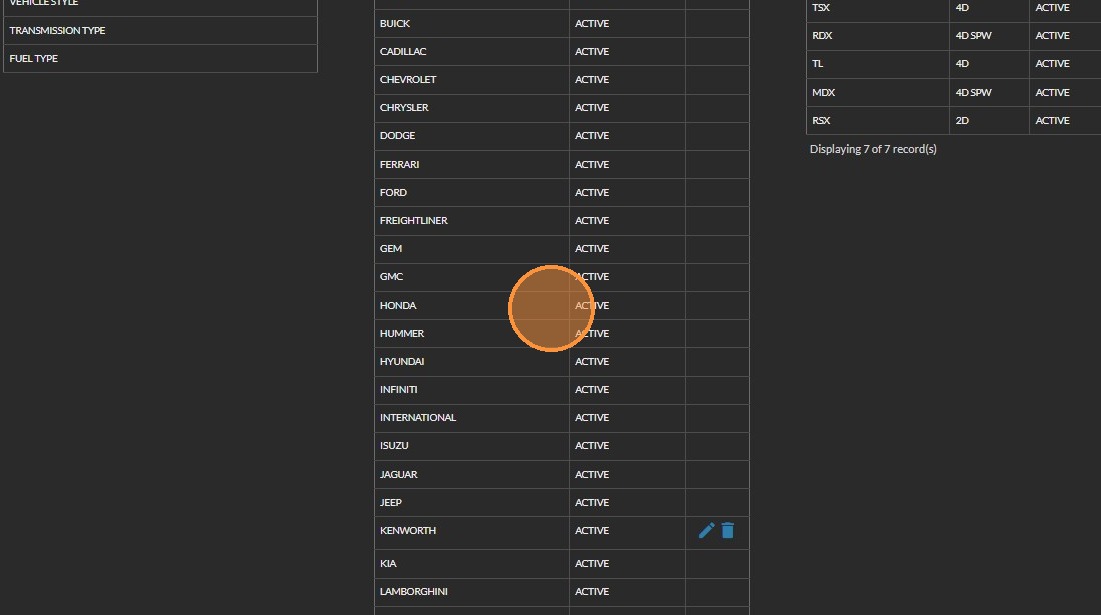
6. Click the make to which you would like to add a new model. This will highlight the selection. If the appropriate make does not exist, you can create one using the "Add Vehicle Make" button
Model Addition
7. Click ADD VEHICLE MODEL
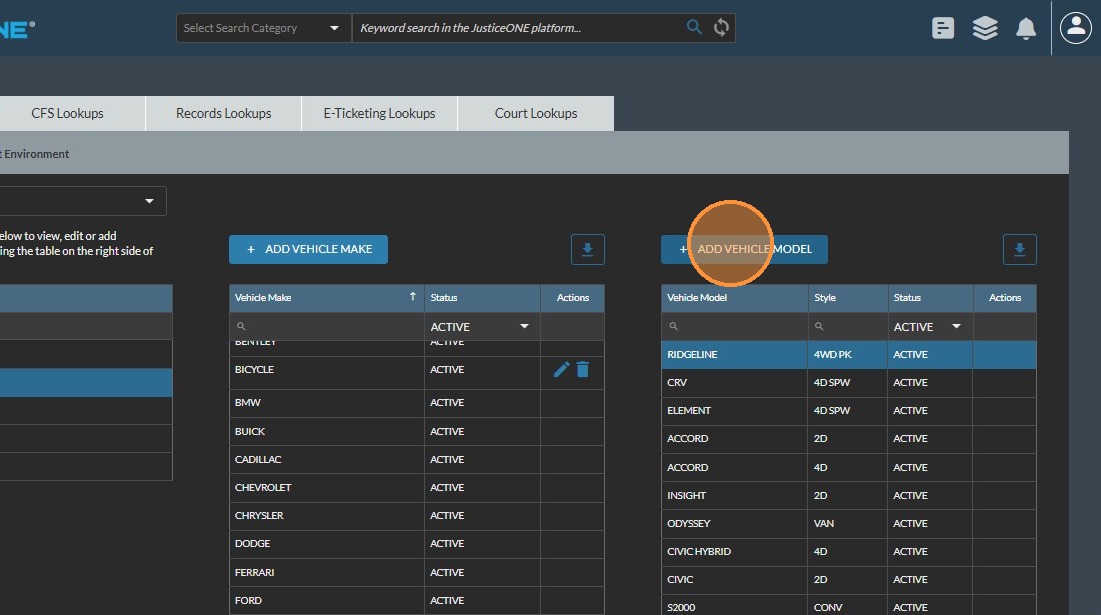
8. Type model and style info, then click Save icon

Related Articles
Adding a Violation Code in JusticeONE Admin Portal
To add a Violation Code to the JusticeONE Platform: Open a web browser and navigate to https://justice-one.us Login with administrator credentials. If you do not have administrator credentials, please contact someone at your agency who can assist ...How do I add a new user to JusticeONE®?
To add a new user in JusticeONE® you will need to be an administrator. User Management The “User Management” category contains “Roles/Permissions,” “Users,” “User Lock Groups,” and “Role Templates.” Roles and Permissions The “Roles/Permissions” ...How to add a violation code in JusticeONE® court
How to add a violation code JusticeONE® Court 1. Login to the Admin Portal 2. Navigate to Lookup Values | Court Lookups | Violations/Cashbonds 3. Click the Add Violation button 4. You’ll now enter all information for the violation code on the primary ...JusticeONE Recommended Hardware Requirements
Please find the latest hardware recommendations attached.How to Add Default Values for the Court
There is a section in Admin Portal for setting up the default values for Court. When setting the default value for Court Personnel, make sure to set them up under Lookup Values | Court Lookups | Court Contacts first. 1. Login to the Admin Portal and ...